Search First or Browse the Recommendations?
Search or browse streaming recommendations with a clearer method: find a known title quickly or discover something that fits tonight’s mood.
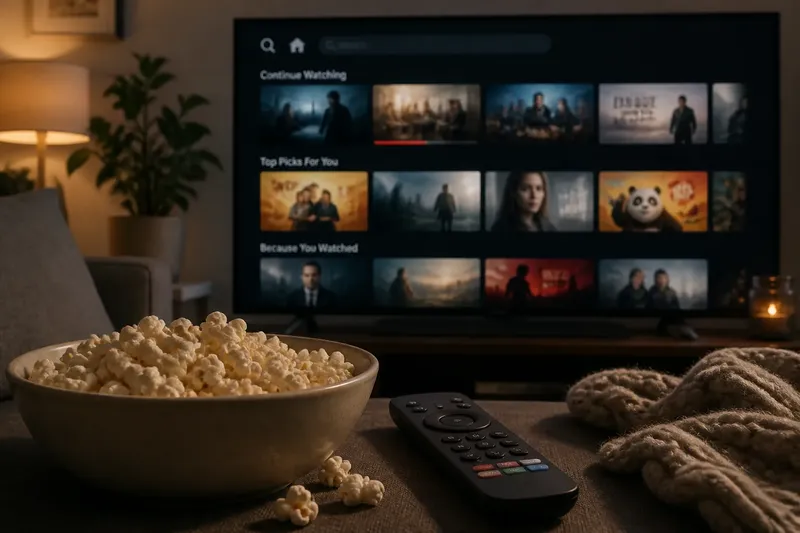
You have a bowl of popcorn, half an hour before bed, and no idea what to watch. A streaming search can take you straight to a title you already have in mind; recommendation rows can surface something you did not know you wanted. Choosing between search and browse is less about which interface is smarter than what kind of decision you are trying to make.
That distinction matters when the familiar title seems to have vanished, the home screen keeps offering the same few picks, or every option looks plausible and none feels right. Treat search as a tool for locating a target and recommendations as a way to shape a shortlist. Then troubleshoot the friction without asking either method to do a job it handles poorly.
Start with the decision
Search works best when you can name something: a film, a series, an actor, or perhaps a subject you want to explore. It narrows the service’s catalogue around your words. Browse works best when the destination is not fixed. You might want a gentle comedy, a tense mystery, or a short episode, but have no particular title in mind.
Before opening either route, give yourself a useful starting point. Ask whether you are looking for a specific work or for a kind of experience. “The series with the lighthouse” is a search problem, even if the title escapes you. “Something atmospheric but not grim” is a discovery problem, even if a recommendation row eventually supplies the answer.
A blended approach is often more comfortable than a strict choice. Browse to spot a promising title, then search for it to inspect the available versions or confirm the service has it. Or search for one known anchor, then use the related suggestions as a springboard. The aim is not to avoid the home screen or obey it; it is to keep the decision yours.
When search misses
A blank result does not always mean a title is absent. The service may index a different spelling, an alternate title, a season rather than the series, or a person’s name differently than you expect. Search can also blur related terms: a character name, franchise label, and performer may lead to different result sets.
Try a small sequence rather than repeating the same query:
- Search the shortest distinctive part of the title, without punctuation.
- Try the original title or a familiar alternate title if you know one.
- Search a lead performer, director, or subject connected to the work.
- Check whether you are searching within one service or across a larger device interface.
- Open the result details and confirm that it is the right edition, season, or programme.
Each change tests a different source of mismatch. If a performer search finds the title but the title search does not, the problem is probably indexing rather than your memory. If nothing relevant appears, the catalogue may not include it, or it may be listed under a name you do not recognize. A separate availability listing can help, but streaming rights and catalogues shift; treat any external listing as a lead to verify in the service itself.
Say you remember a documentary as “The Quiet Coast” but searching that phrase returns nothing. Searching the director’s name might reveal a title card with a different official name. The useful result is not just the programme: it also tells you which wording the service recognizes for next time.
When browsing loops
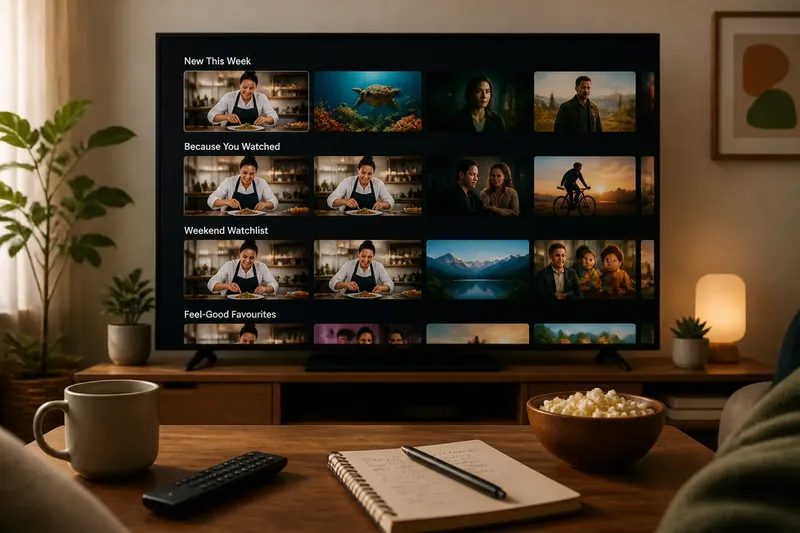
Recommendation rows are built to offer plausible next choices, not to read your mind. They may reflect viewing activity on a shared household profile, a recent marathon, a genre you sampled once, or editorial collections selected by the service. A row labeled “Because you watched” can therefore feel oddly personal while resting on a thin clue.
If the same kinds of titles keep returning, first consider whether the profile represents one viewer. A family profile used for cartoons and crime dramas sends mixed signals. If the service offers separate profiles, use one for each regular viewer; if it offers controls to remove a title from viewing history or adjust recommendations, those can help distinguish a one-off watch from a lasting preference.
Then change the browsing prompt. Instead of scanning every row, choose one constraint: a language, a mood, a format, a theme, or a viewing length that suits the evening. Search can help with a concrete filter such as a named performer or genre, while a curated collection may be better for looser ideas such as “quiet mysteries.” Move between the two when a category is too broad or a query too narrow.
What is not worth the effort: treating every recommendation as a verdict on your taste, or opening a long chain of nearly identical titles to find the perfect one. Recommendations are suggestions with incomplete context. You can reject a row without correcting your entire viewing history.
When every choice stalls
Sometimes neither method is the problem. You may be trying to make a decision with more criteria than the interface can show at once: not too long, not too bleak, suitable for everyone in the room, and still interesting. A search box cannot express that whole sentence reliably, while a recommendation row may satisfy only one part.
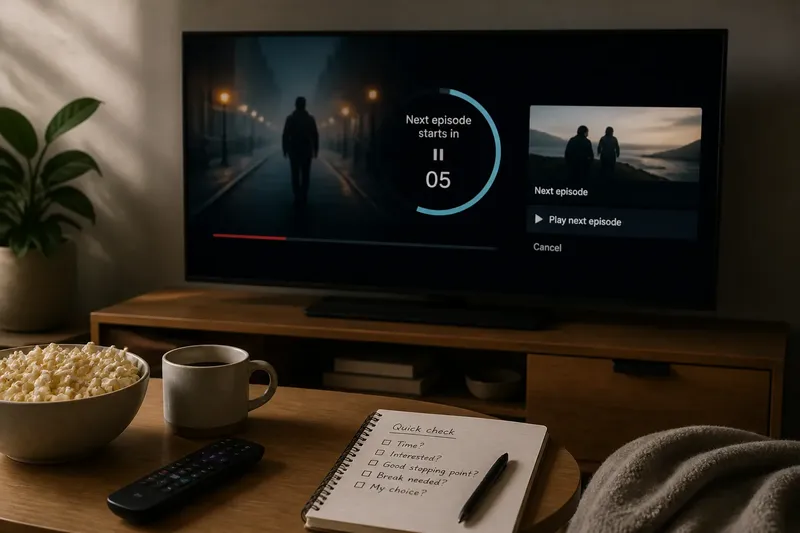
Reduce the decision to a first filter and a tie-breaker. For example, decide that the watch should be light, then choose between the first two options based on whether you want a film or an episode. This makes browsing finite without turning the evening into a catalogue audit.
Imagine you want something funny but are too tired for a full-length film. You browse a comedy collection, spot a series with short episodes, and search its title to check where you left off. The first method supplies possibilities; the second resolves a practical detail. The observable result is a short list and a clear next action, rather than another lap through the home screen.
Which route fits tonight?
Should I search by genre or browse a mood row?
Search by genre when you want a broad category and know its name, such as animation or crime. Browse a mood row when you can describe the feeling more easily than the genre, while remembering that service labels are broad interpretations rather than precise promises.
Why does search show titles I cannot play?
Some interfaces combine results from multiple services, rentals, or catalogue sections, so a title can appear without being included in your current subscription. Open its details and check the play option and service label before settling on it.
Can I improve recommendations without starting over?
Look for profile controls that let you remove a programme from watch history, mark a recommendation as unwanted, or manage viewing preferences. The names and effects of these controls vary, so use the service’s own explanations rather than assuming one action resets every row.
What if I remember only a scene?
Try searching a distinctive actor, setting, or subject instead of describing the scene as a sentence. If the service cannot interpret that clue, use a broader web search or ask someone who watched with you, then return to the streaming interface to confirm the exact title.
Make a small handoff
Search and recommendations are most useful as partners with different jobs. Search reduces uncertainty about a known target; browsing gives shape to an open-ended choice. When one stalls, hand the decision to the other with a clearer clue: a name, a mood, a format, or a single constraint.
For service-specific details, follow the platform’s own instructions and check its catalogue before planning around a title. For tonight, a modest rule is enough: search when you can name the destination, browse when you cannot, and stop once you have a good candidate. The best interface is the one that gets you back to choosing what to watch, not the one that keeps you scrolling.